
Cisco Duo account recovery
Connect Cisco Duo to Nametag for self-service multifactor authentication reset.
Connect Cisco Duo to Nametag to let employees securely reset their own multifactor authentication (MFA) devices after verifying their identity. The steps below cover connecting the directory. For the rest of the setup — self-service permissions, the self-service site, and monitoring — see the self-service account recovery administrator’s guide.
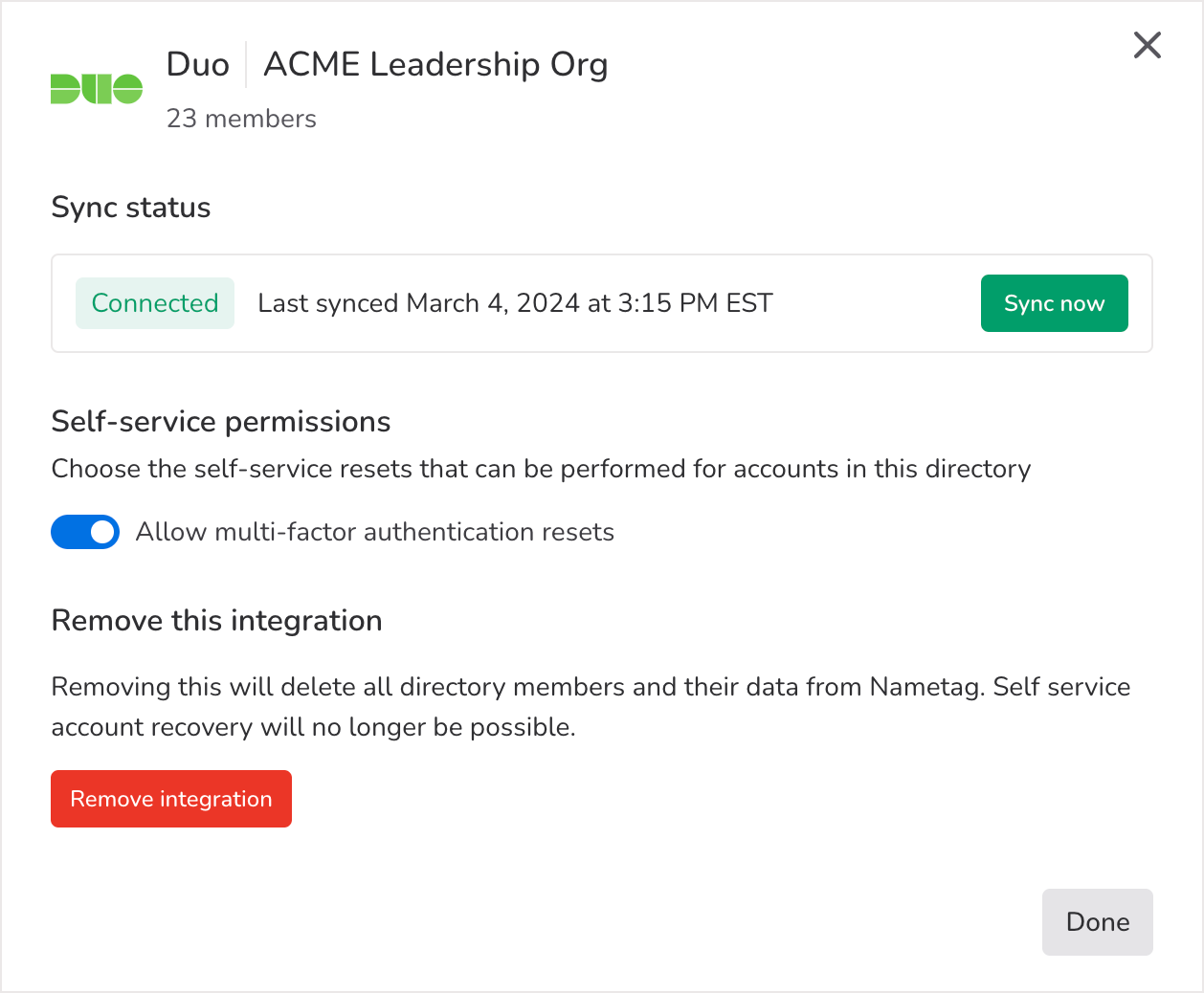
The first thing you’ll need to do is configure self-service permissions.
Duo only includes settings options for multifactor authentication devices.
You’ll also need to gather three pieces of information from Duo. All three of these items can be created in Duo by following these instructions provided in Duo’s Admin API reference.
- Integration key
- Secret key
- API host name
Note: The Duo Admin API is only available with certain Duo plans. According to Duo, this API is automatically available to paying Duo Premier, Duo Advantage, and Duo Essentials plan customers and new customers with an Advantage or Premier trial.