

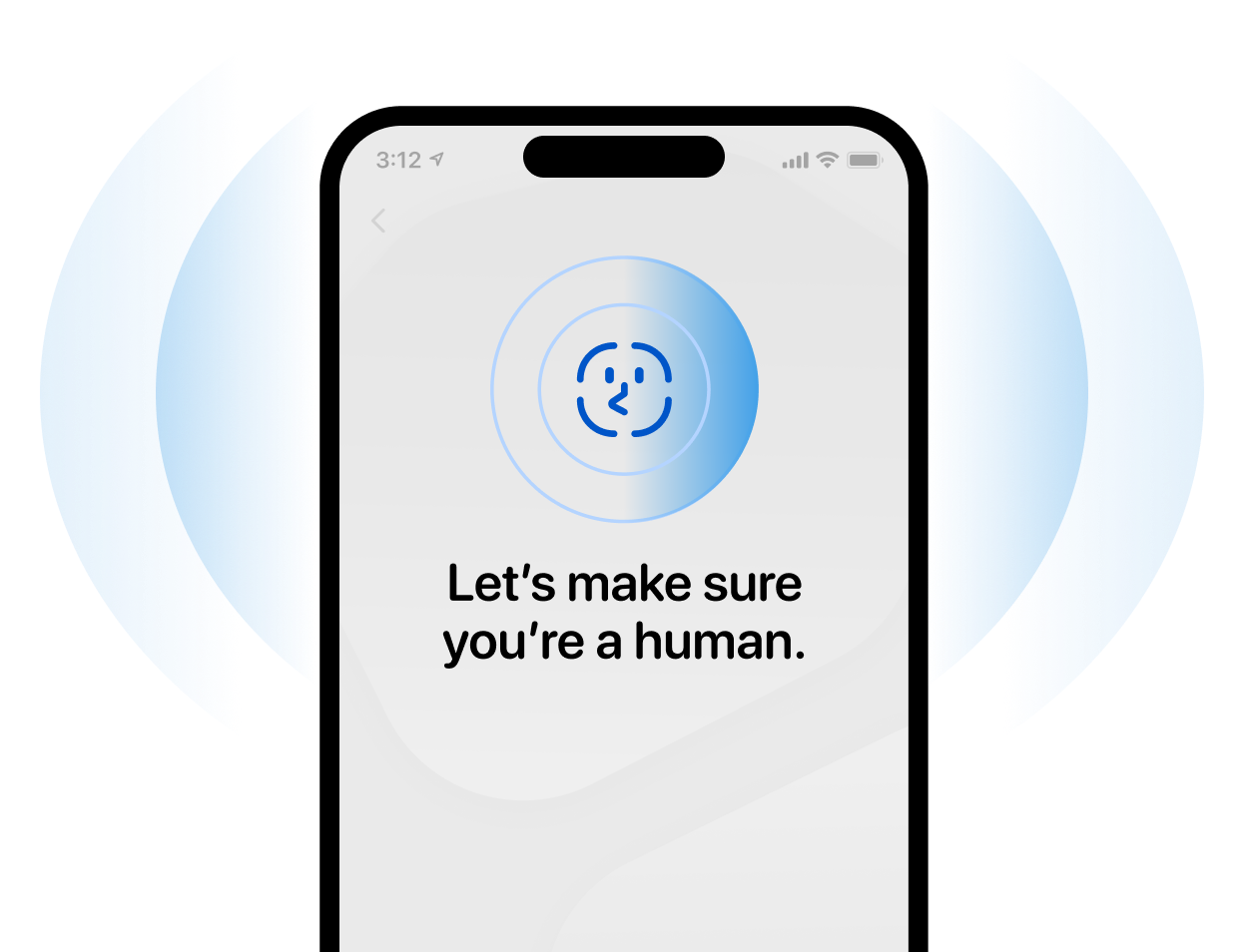


Start here
How it works
'User is onboarding'
Automated

'User is locked out'
Automated
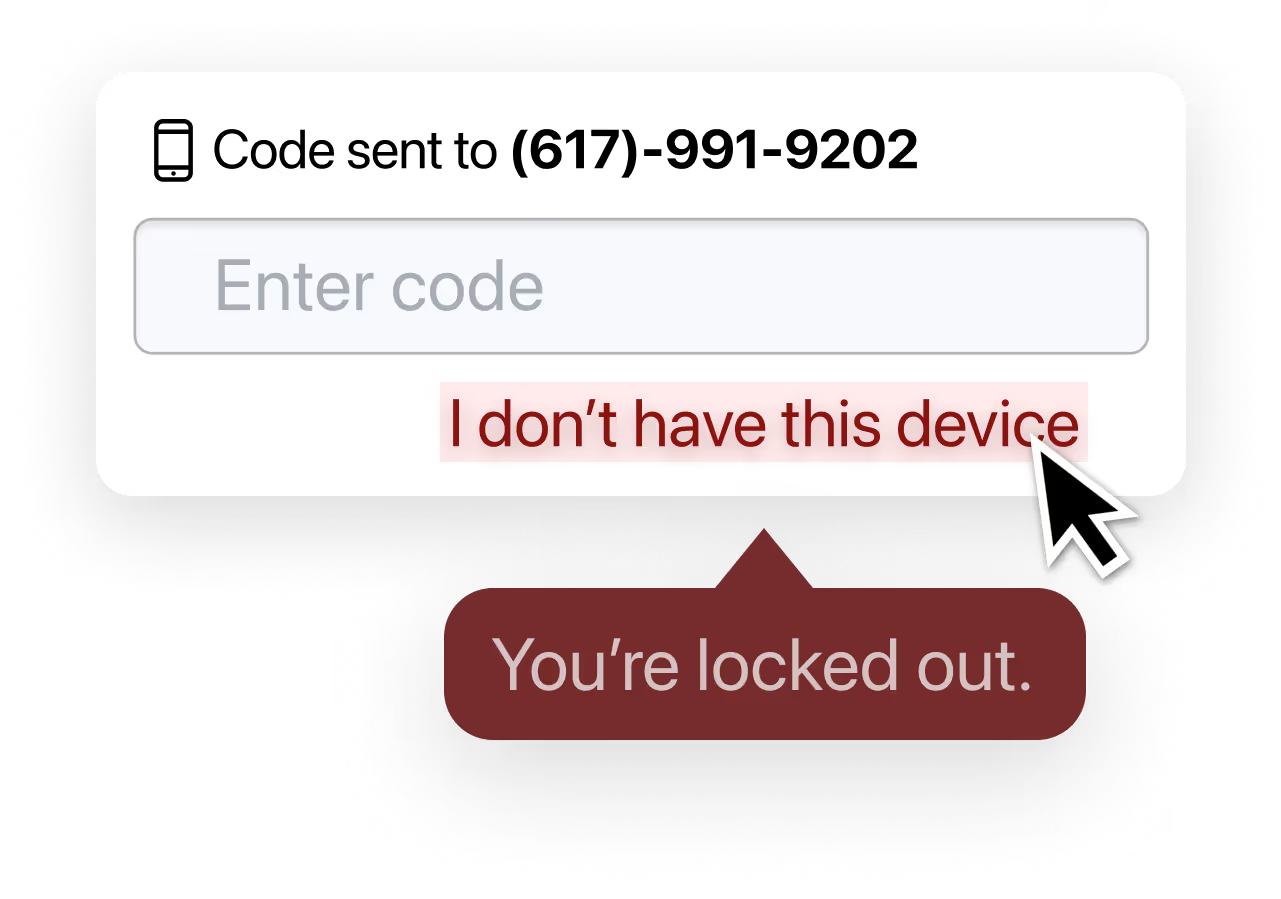
'User calls helpdesk'
Manual
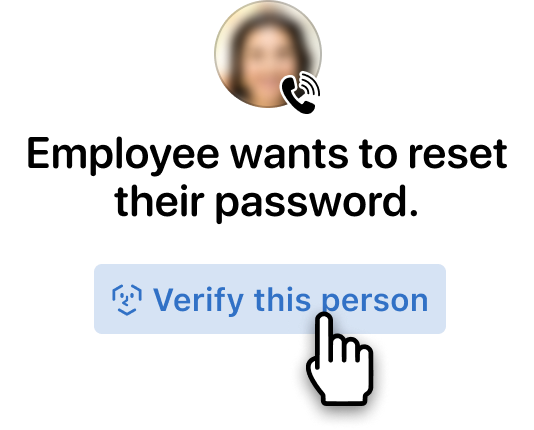

Start
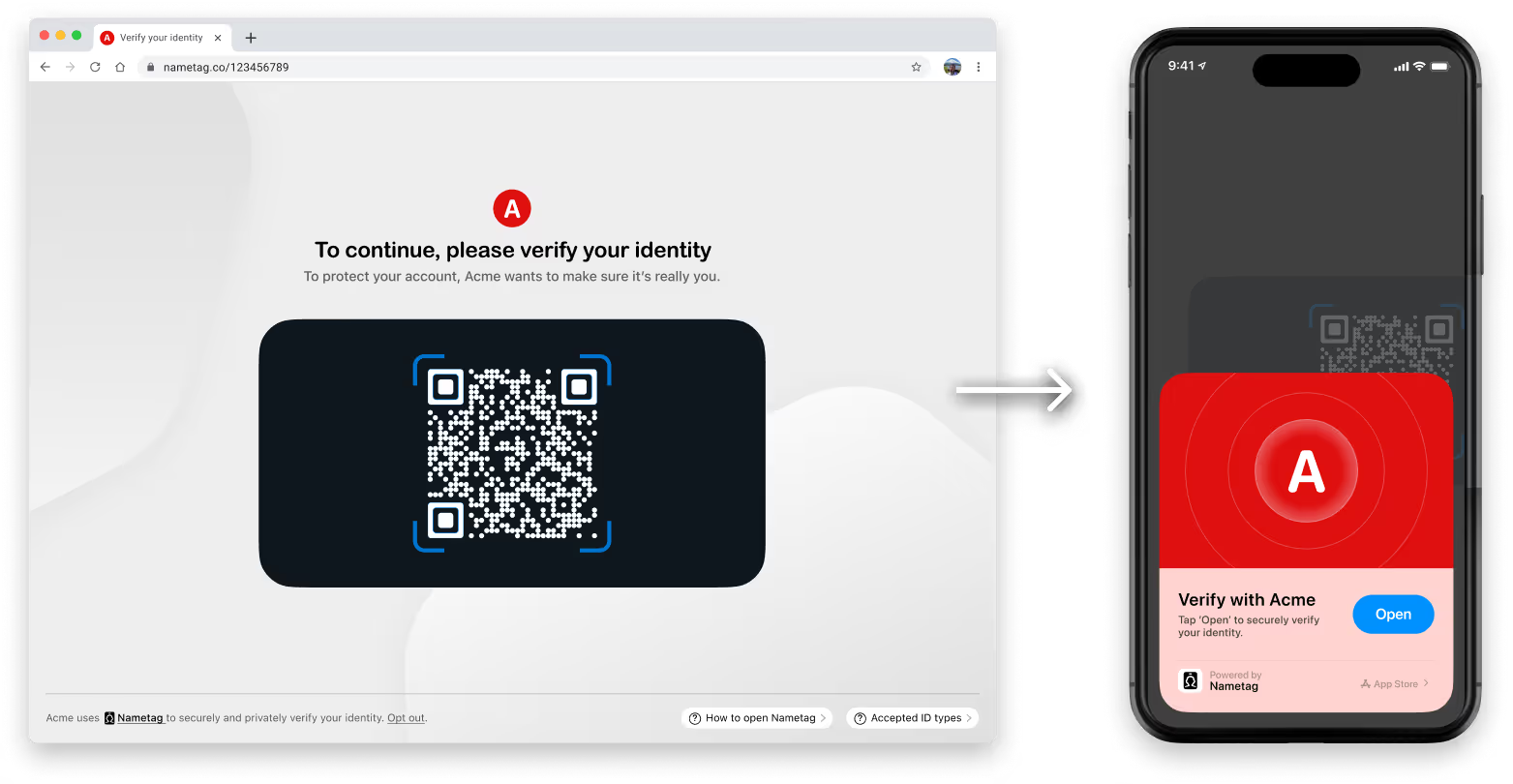
Pivot the person to their mobile device.
Nametag exclusively works on Android and iOS. For security reasons, we do not allow the use of webcams or mobile browsers. To continue, users simply scan a QR code or tap a link.

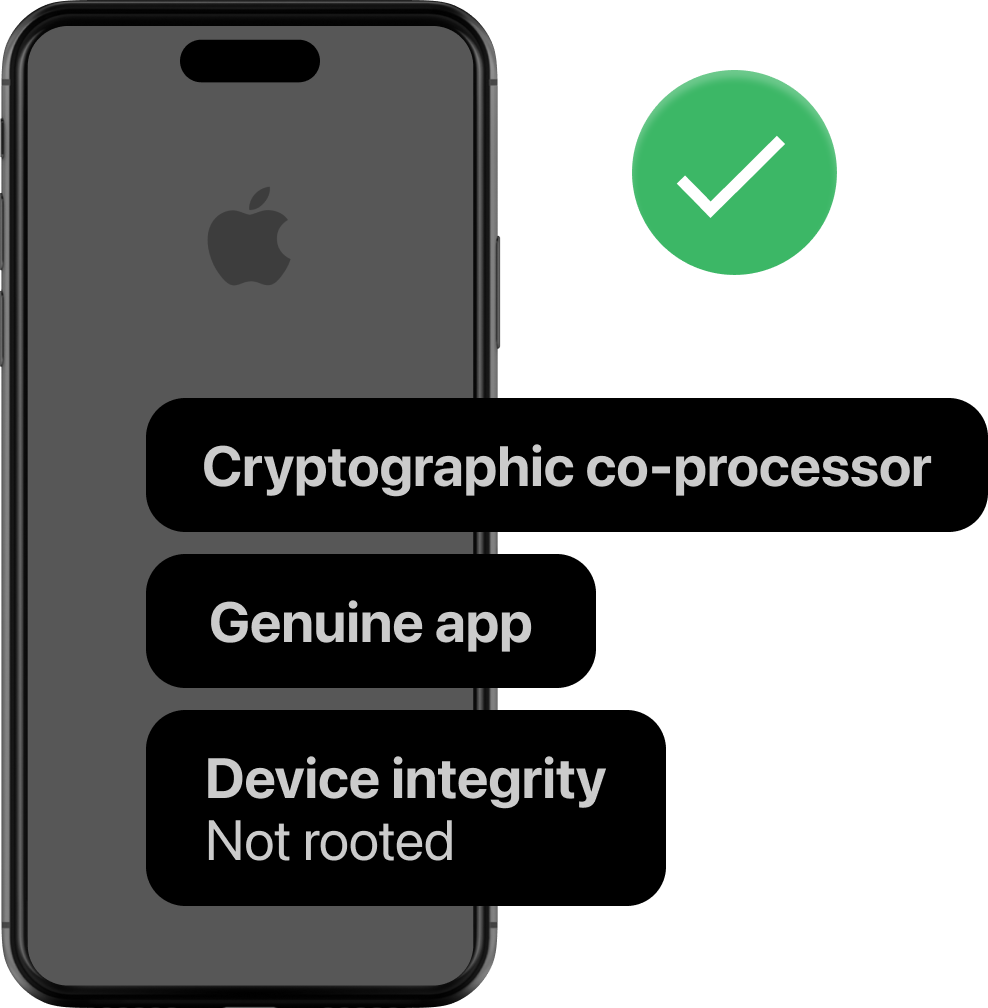
Cryptographic Attestation™
Verify: Is their device trustworthy?
Nametag uses advanced security technology, only available on mobile devices, to ensure that the data we receive comes from the real camera and sensors.
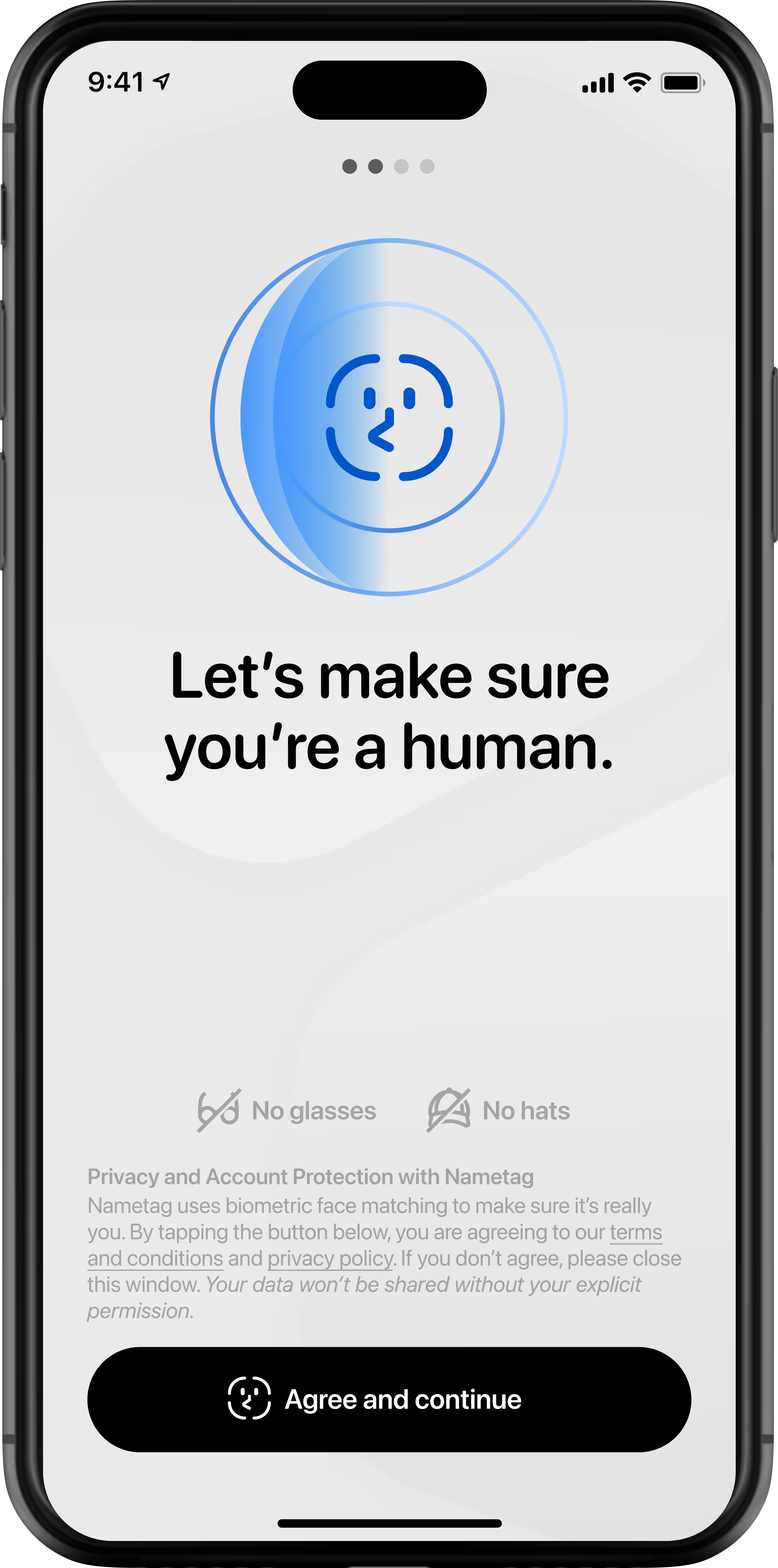
Spatial Selfie™
Verify: Are they a real human?
Nametag's Spatial Selfie™ technology verifies that they're a real human, and not a deepfake, printed photo, or photo held up on a screen.
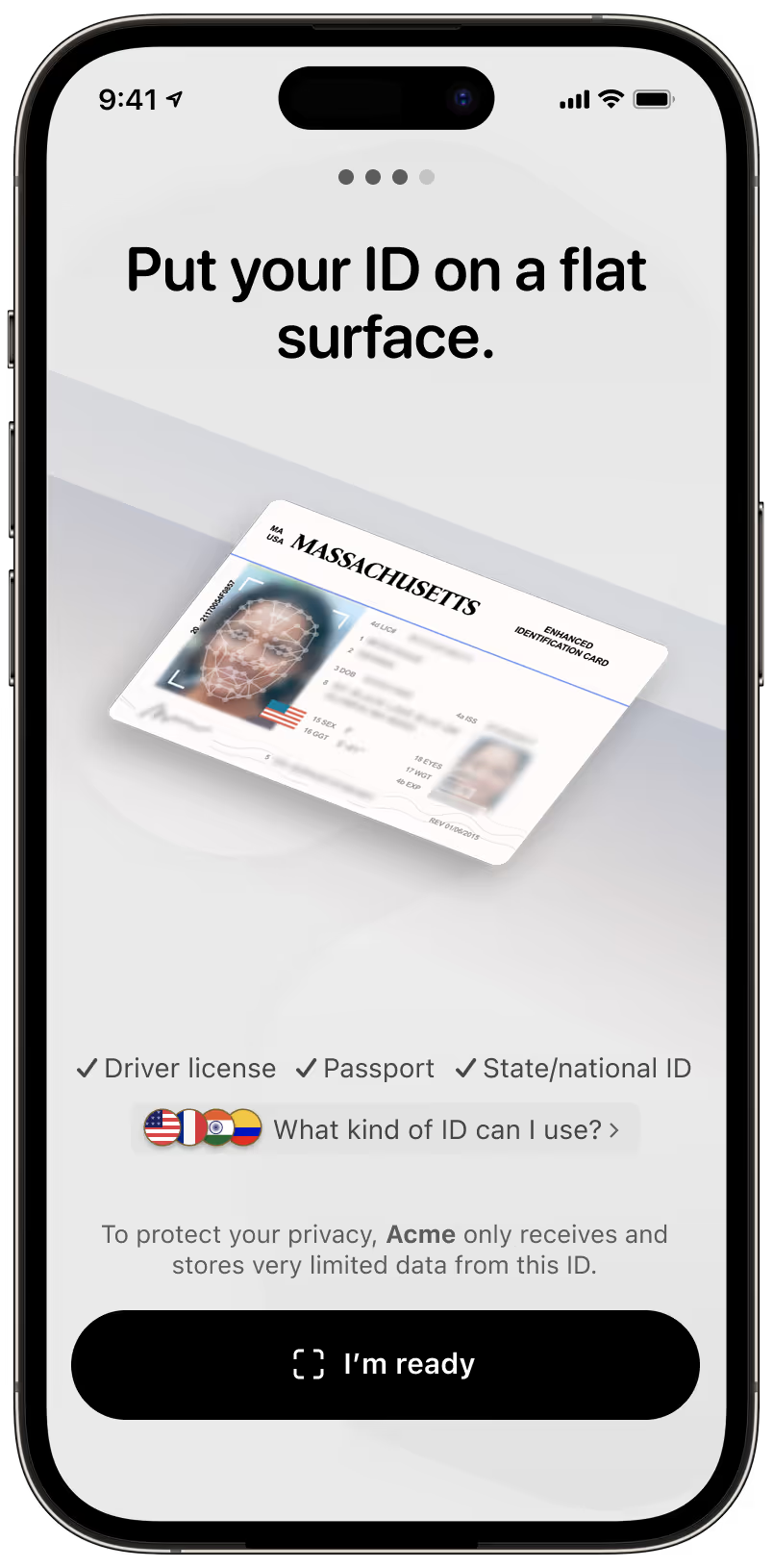
Adaptive Document Verification™
Verify: Which human are they?
Nametag validates their government-issued photo ID or digital ID and then compares the photo to their selfie, verifying they're not impersonating someone else.
Location Integrity™ (Optional)
Verify: Where are they?
Nametag's patent-pending technology uses attested GPS signals to verify where in the world they actually are with unmatched assurance.

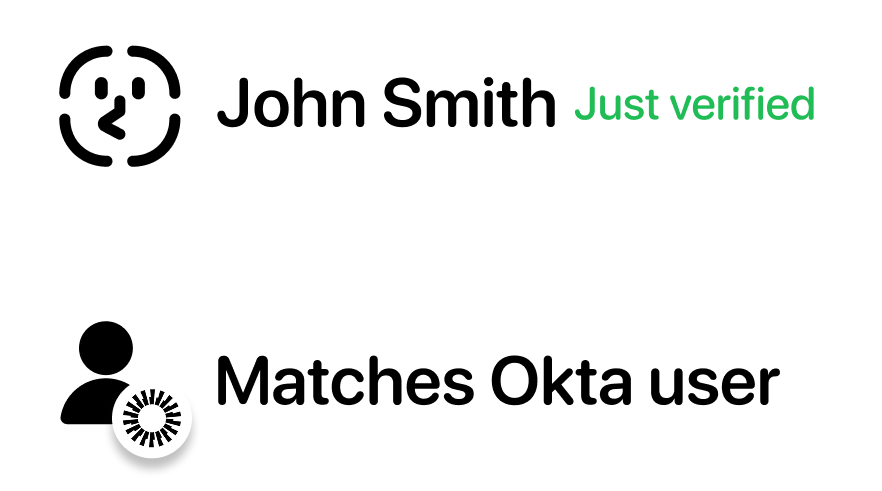
Account Binding
Verify: Are they the right human?
Nametag's proprietary technology compares their verified information to their corresponding accounts in your directories, verifying that they're not just a real person but the right person.
Success!
Enroll, recover, access or approve.
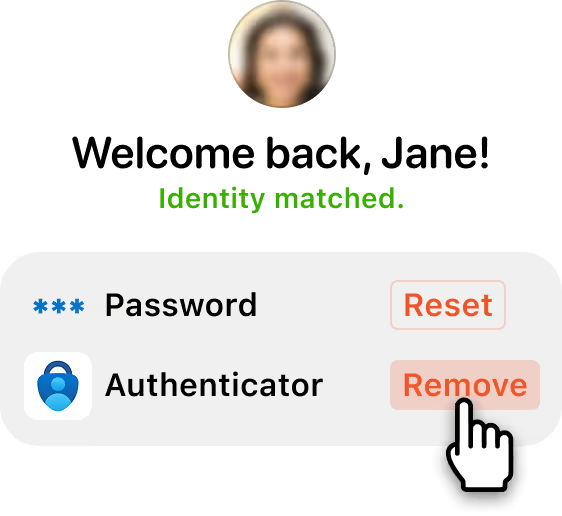
Once verified, self-service users can proceed to enroll or reset their credentials. Helpdesk teams see results update in real time in your console, so agents can quickly proceed to resolving user issues.
Reporting
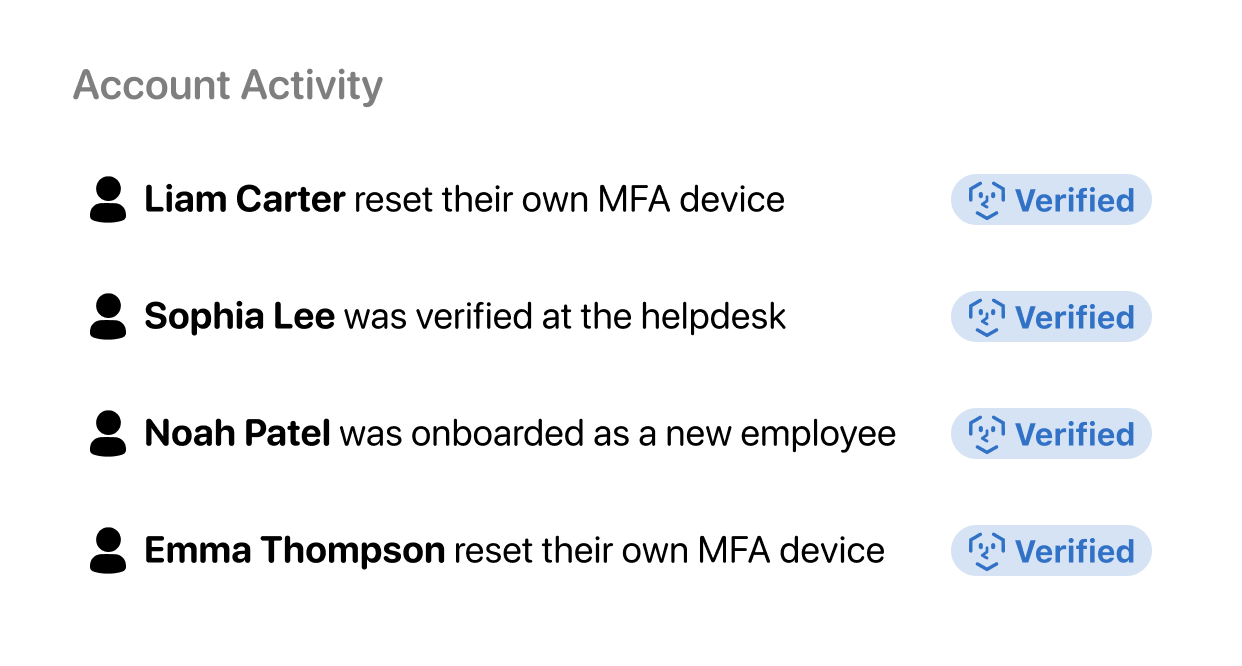
Monitor and review every verification.
Administrators can view and manage verifications and account activity. Auditable verification logs provide full visibility into the decision-making behind every Nametag identity verification.
Start here
At any moment of uncertainty, request identity verification.
'User is onboarding'
Automated
'User is locked out'
Automated
'User calls helpdesk'
Manual
Start
Pivot the person to their mobile device.
Nametag exclusively works on Android and iOS. For security reasons, we do not allow the use of webcams or mobile browsers. To continue, users simply scan a QR code or tap a link.
Cryptographic Attestation™
Verify: Is their device still trustworthy?
With every selfie reverification, Nametag reaffirms that the data we are receiving is legitimate, preventing someone from tampering with a device that someone previously used to verify themselves.
Spatial Selfie™
Verify: Are they still the same human?
A quick selfie verifies that it's still a real human in front of the camera, and not a deepfake, printed photo, or photo held up on another screen.
Nametag's patented technology compares their newest selfie to their prior selfies in a chain which extends back to their verified photo ID document.
Step 4
Verify: Which human are you?
Nametag validates your government-issued photo ID or e-ID and compares your photo to your selfie, verifying you're not impersonating someone else.
No ID scan is required on reverification.
Account Binding
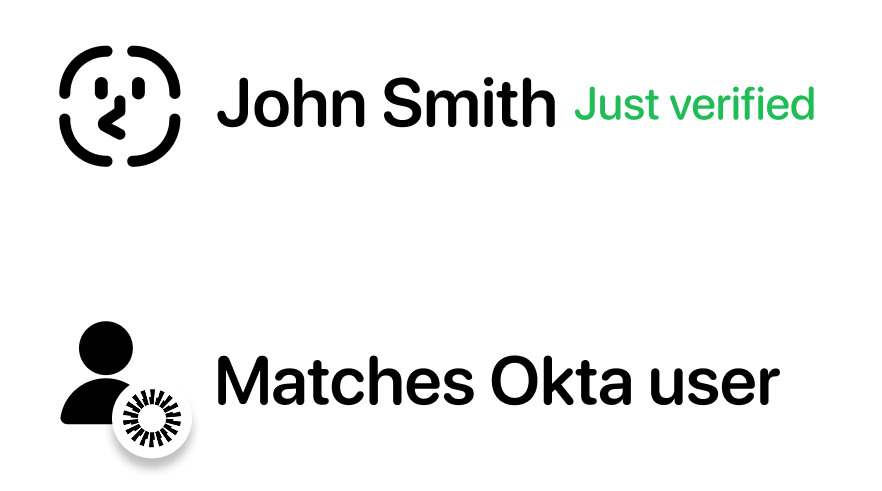
Match: Are they still the right human?
Nametag's proprietary technology compares their verified information to their corresponding accounts in your directories, verifying that they're not just a real person but the right person.
Success!
Enroll, recover, access or approve.
Once verified, self-service users can proceed to enroll or reset their credentials. Helpdesk agents see results update in real time in our console, so they can quickly proceed to helping the user.
Reporting
Monitor and review every verification.
Administrators can view and manage verifications and account activity. Auditable verification logs provide full visibility into the decision-making behind every Nametag identity verification.
Start here
At any moment of uncertainty, request identity verification.
'User is onboarding'
Automated
'User is locked out'
Automated
'User calls helpdesk'
Manual
Mobile Flow
Pivot the person to their new device.
Users scan a QR code or tap a link to open Nametag on their phone (no app download required). For security, we do not allow webcams or browsers.
Cryptographic Attestation™
Verify: Is their new device trustworthy?
Nametag ensures that the data and images we receive are legitimate by creating a cryptographic chain of trust all the way down to the hardware level.
Spatial Selfie™
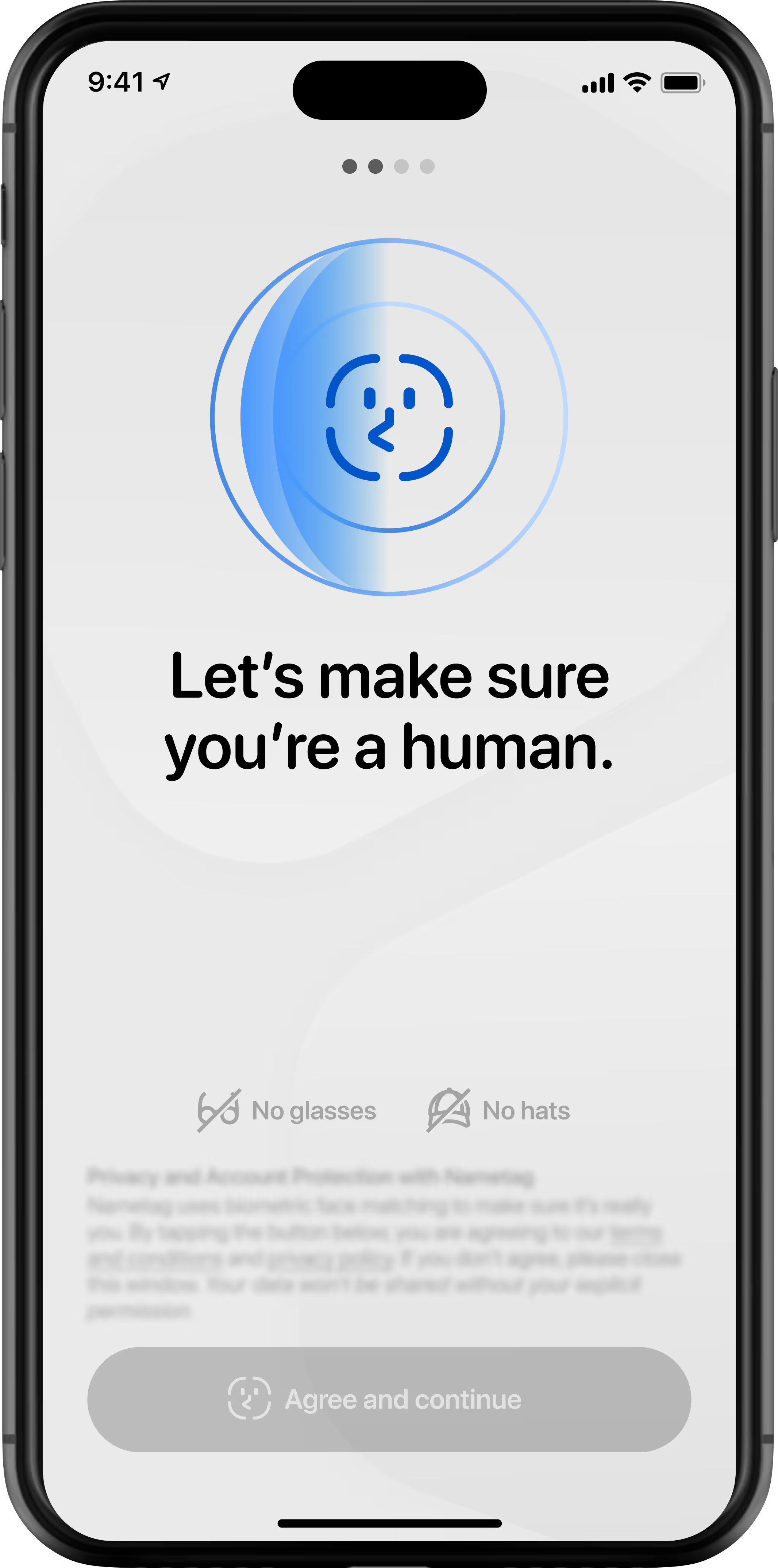
Verify: Are they a real human?
Nametag's Spatial Selfie™ technology verifies that they're a real human, and not a deepfake, printed photo, or photo held up on a screen.
Adaptive Document Verification™
Verify: Which human are they?
Nametag validates their government-issued photo ID or digital ID and then compares the photo to their selfie, verifying they're not impersonating someone else.
Device Re-binding
Seamlessly transfer their persistent identity.
Nametag's patented technology recognizes that the person has verified their identity before, and automatically transfers their persistent verified identity to their new device.
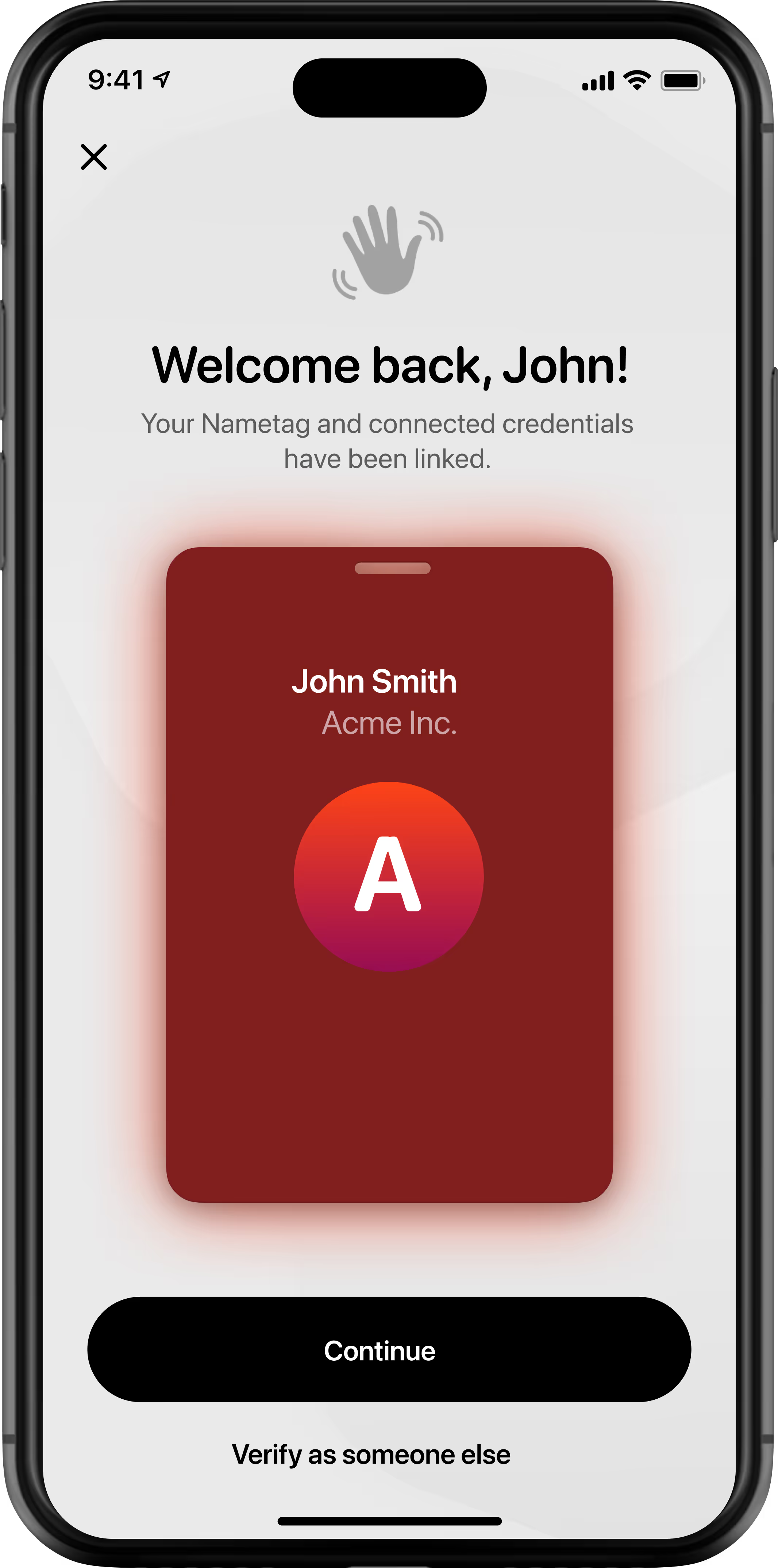
Account Binding
Match: Are they the right human?
Nametag's proprietary technology compares their verified information to their corresponding accounts in your directories, verifying that they're not just a real person but still the right person.
Success!
Enroll, recover, access or approve.
Once verified, self-service users can proceed to enroll or reset their credentials. Helpdesk agents see results update in real time in our console, so they can quickly proceed to helping the user.
Reporting
Monitor and review every verification.
Administrators can view and manage verifications and account activity. Auditable verification logs provide full visibility into the decision-making behind every Nametag identity verification.


